

User experience
First, we’ll have the user create a trustline for an asset by navigating to the Assets page, selecting an asset, and clicking the “Add Asset” button.An asset is displayed as an asset code and issuer address. Learn more in our Assets section.
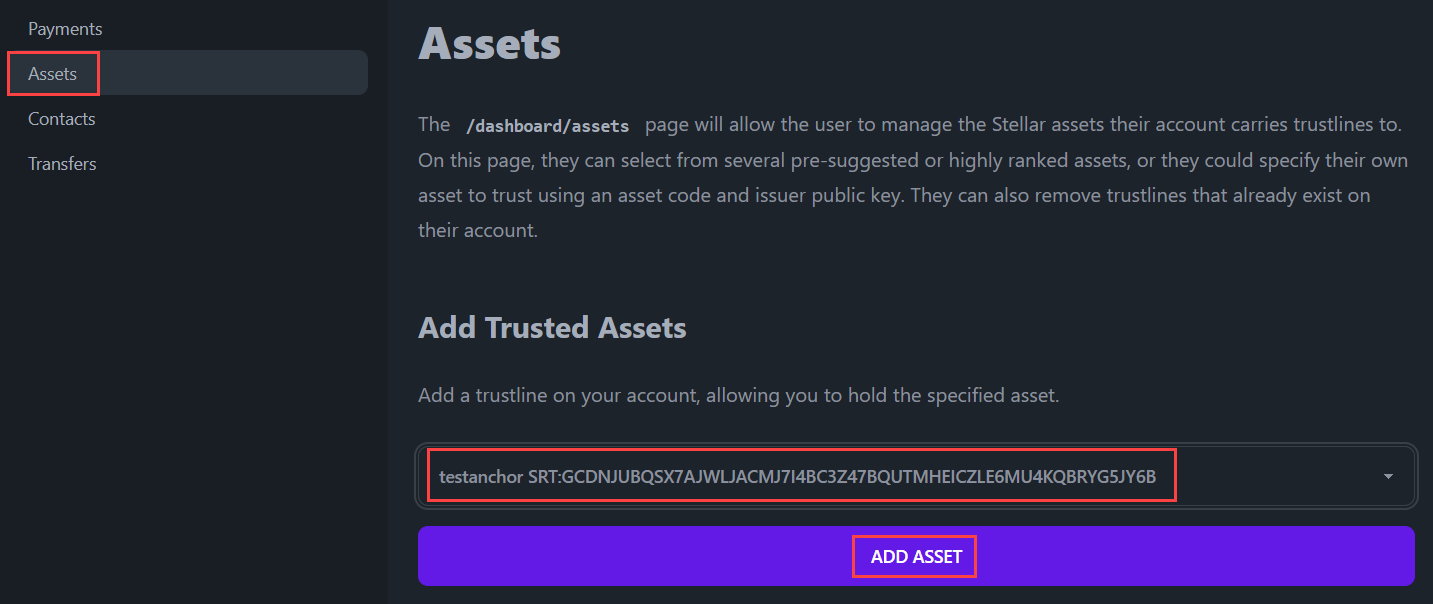
changeTrust operation is signed and submitted to the network, and a trustline is established between the user’s account and the issuing account for the asset.
The changeTrust operation can also be used to modify or remove trustlines.
Every transaction must contain a sequence number that is used to identify and verify the order of transactions with the account. A transaction’s sequence number must always increase by one. In BasicPay, fetching and incrementing the sequence number is handled automatically by the transaction builder.
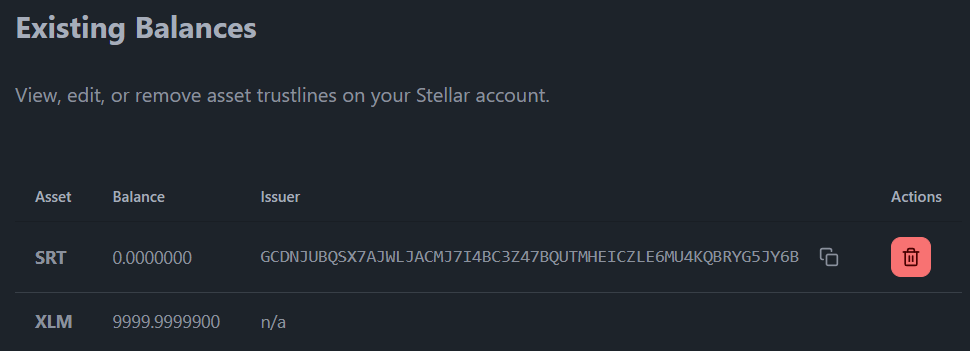
Code implementation
The trustlines an account holds will be necessary to view in several parts of the BasicPay application. First, we’ll discuss how we manage different trustlines for the account.The /dashboard/assets page
The /dashboard/assets page allows the user to manage the Stellar assets their account carries trustlines to. On this page, they can select from several pre-suggested or highly ranked assets, or they could specify their own asset to trust using an asset code and issuer public key. They can also remove trustlines that already exist on their account.
The layout of the page is quite similar to our contacts page. It has a table displaying the existing trustlines and a section where you can add new ones. The key difference is that the contacts store is held in the browser’s localStorage, whereas an account’s balances are held on the blockchain. So, we will be querying the network to get that information. For more information about how we query this information from the Stellar network, check out the fetchAccountBalances() function in this querying data section.
/src/routes/dashboard/assets/+page.svelte
The createChangeTrustTransaction function
In the above page, we’ve made use of the createChangeTrustTransaction function. This function can be used to add, delete, or modify trustlines on a Stellar account.
/src/lib/stellar/transactions.js