

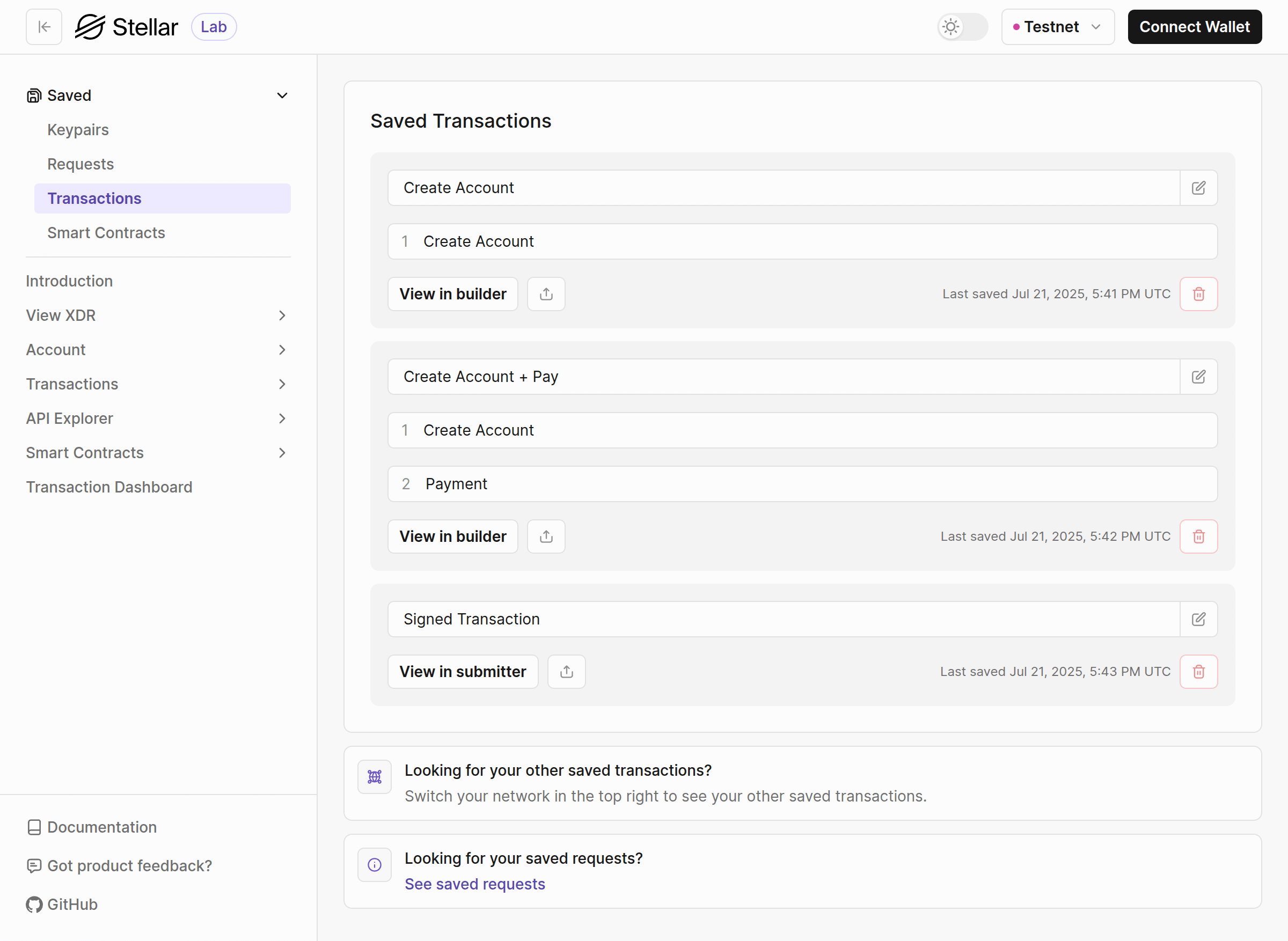
- Name - makes finding the transaction you’re looking for easy. You can update the name anytime by clicking the edit button and saving the new name.
- Operations - list of operations in this transaction.
- Delete the saved transaction.
- The last saved date and time.
- The share button to get a shareable link to this transaction.
- Transactions saved on the “Transaction Builder” page have the “View in builder” button to take you to the “Build Transaction” page.
- Transactions saved on the “Submit Transaction” page have the “View in submitter” button to take you to that page.