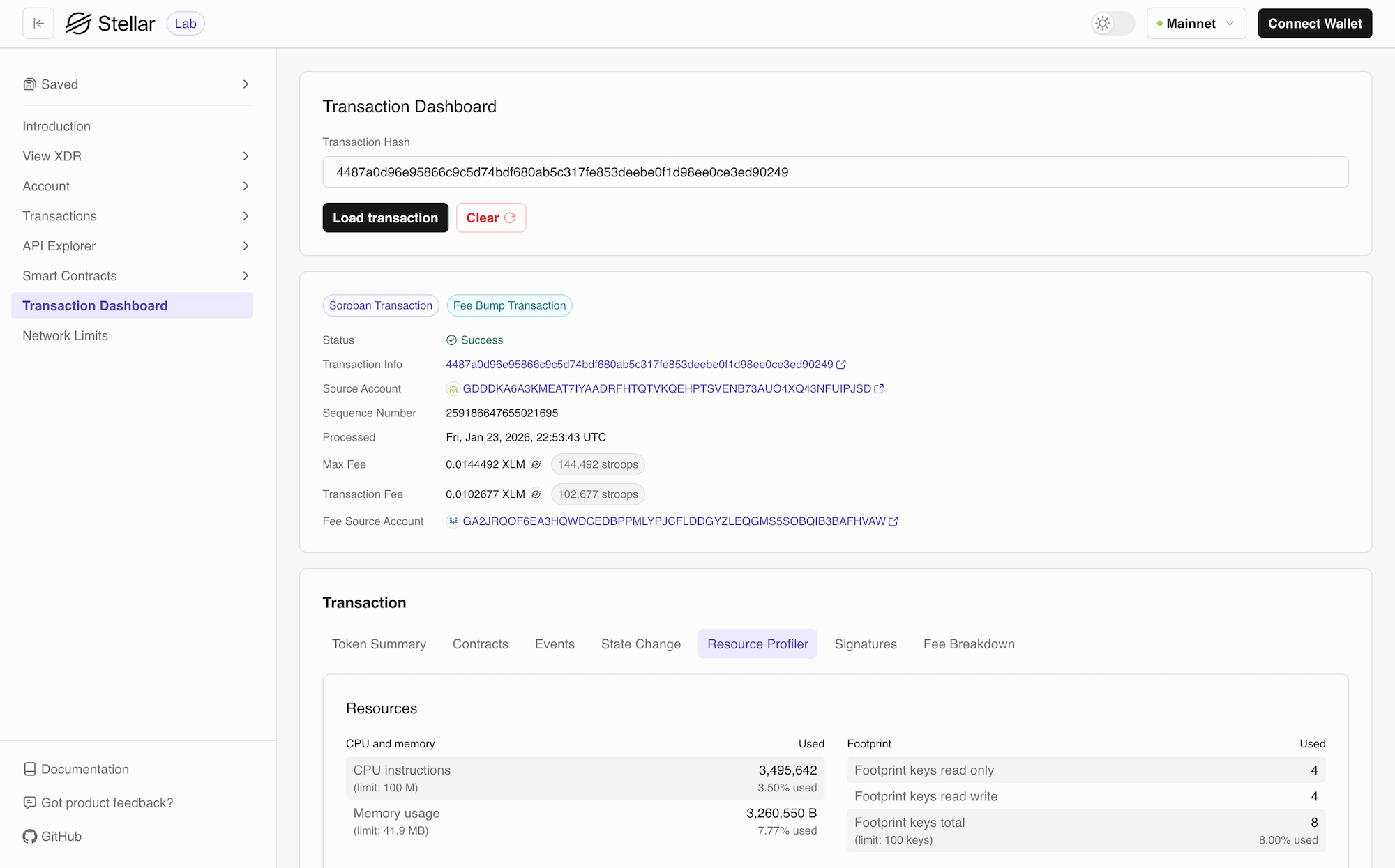
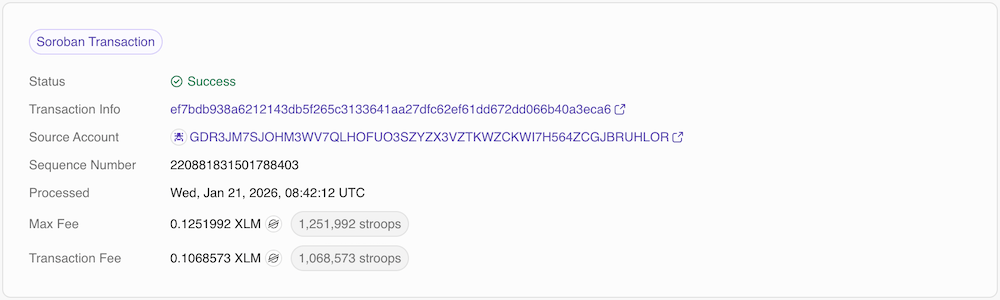
memo and the number of operations. Whether you’re debugging a failed transaction, analyzing contract behavior, or optimizing performance, the Transaction Dashboard gives you all the information you need in an organized, easy-to-understand interface.
The dashboard automatically detects whether you’re viewing a classic transaction or a smart contract transaction and displays the relevant tabs accordingly.
This feature uses an RPC and RPC retains at maximum 7 days of historical data. Any transaction older than 7 days will be displayed as invalid.See Indexers and Block Explorers for reference
Dashboard Tabs for Smart Contracts
The Transaction Dashboard organizes transaction information into multiple tabs, each focusing on a specific aspect of the transaction:Token Summary
The Token Summary tab displays information about token transfers and balance changes that occurred during the transaction. This tab is particularly useful for tracking asset movements and understanding the financial impact of a transaction.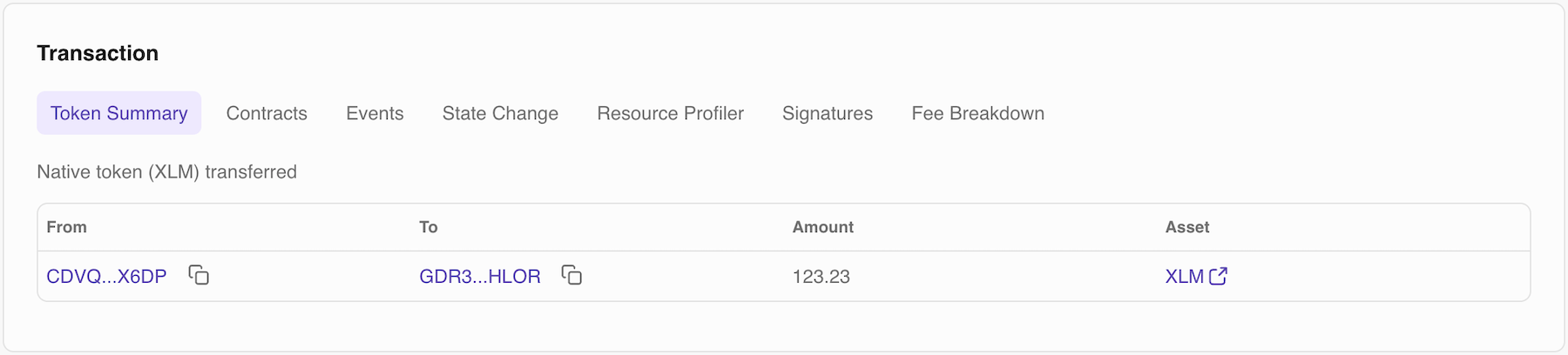
Contracts
The Contracts tab shows detailed information about smart contracts involved in the transaction, including which contracts were invoked.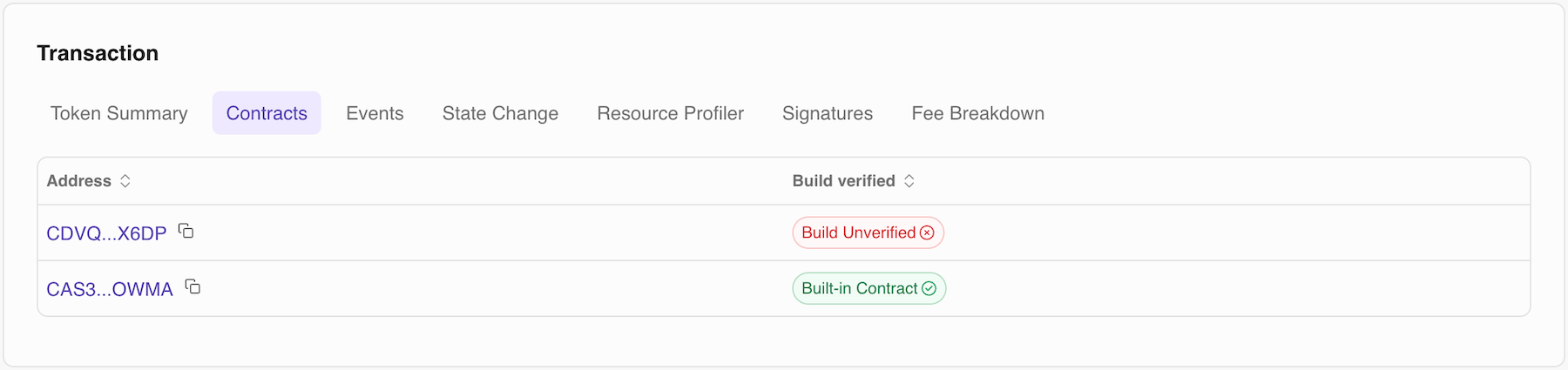
Events
The Events tab displays all events emitted during transaction execution. Events are logged outputs from smart contracts that track state changes and important occurrences, providing visibility into what happened inside contract execution.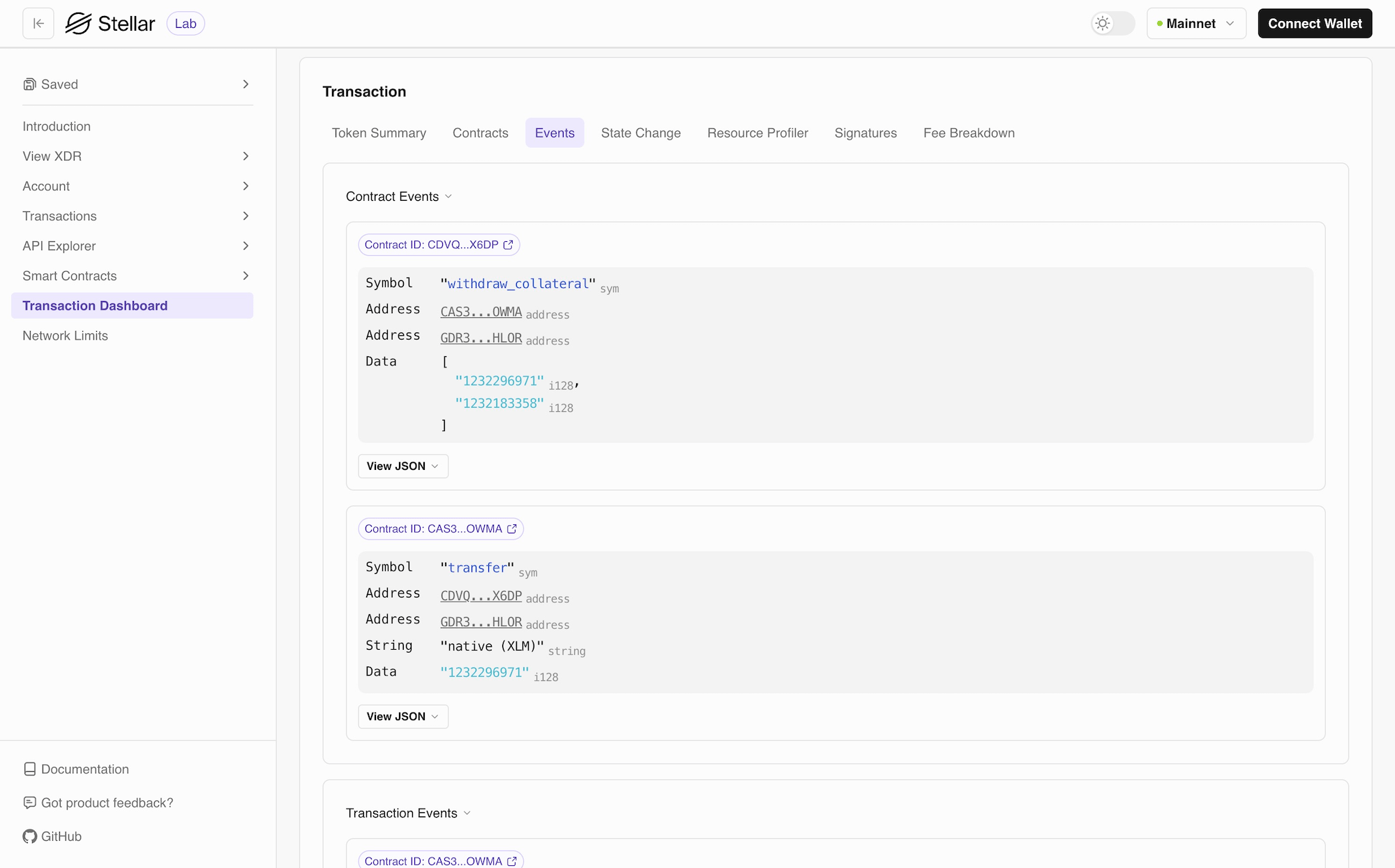
State Change
The State Change tab shows how ledger entries changed before and after the transaction, giving you a complete picture of the transaction’s impact on blockchain state.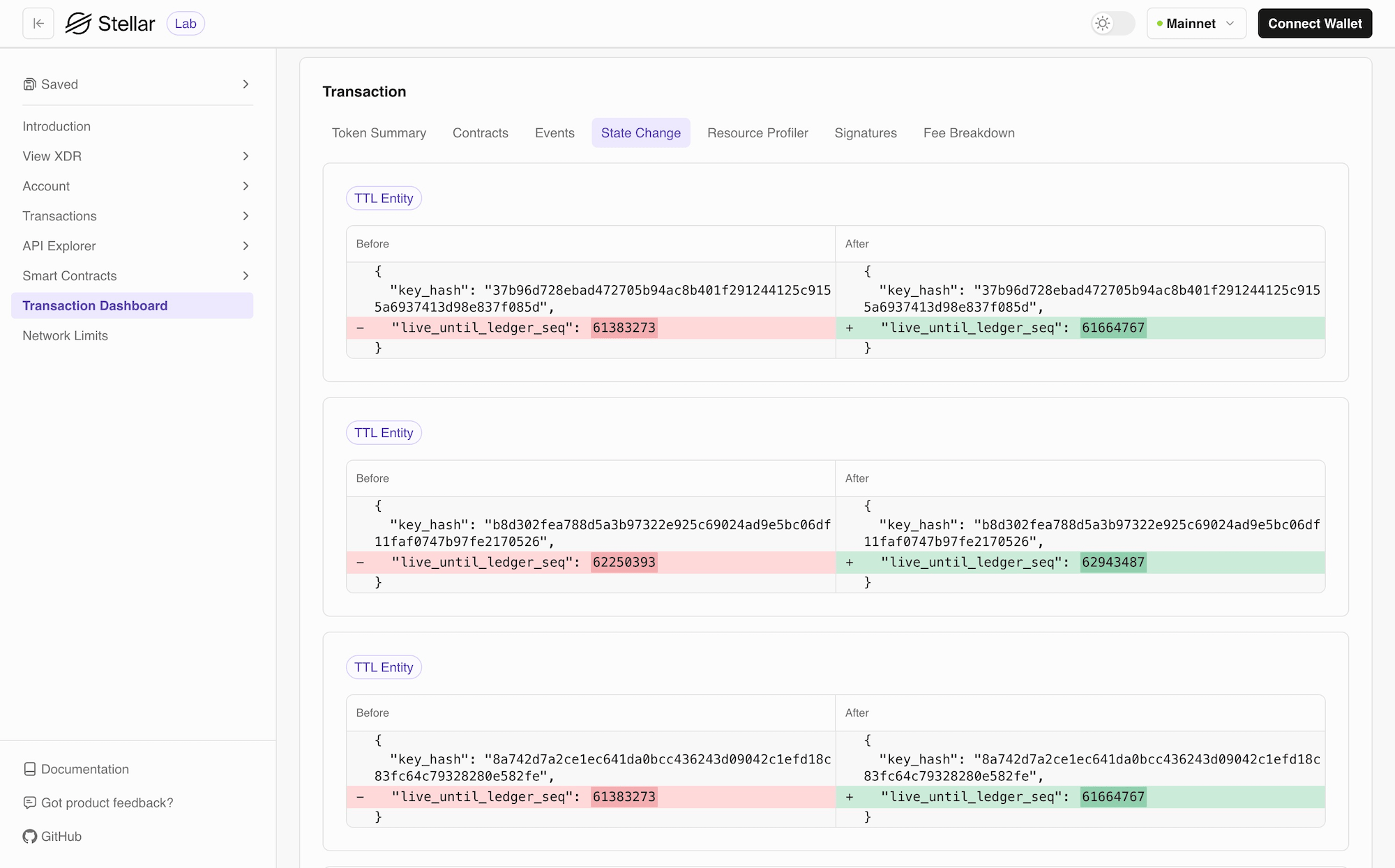
Resource Profiler
The Resource Profiler provides detailed metrics on resource consumption during transaction execution, helping you understand performance characteristics and optimize costs.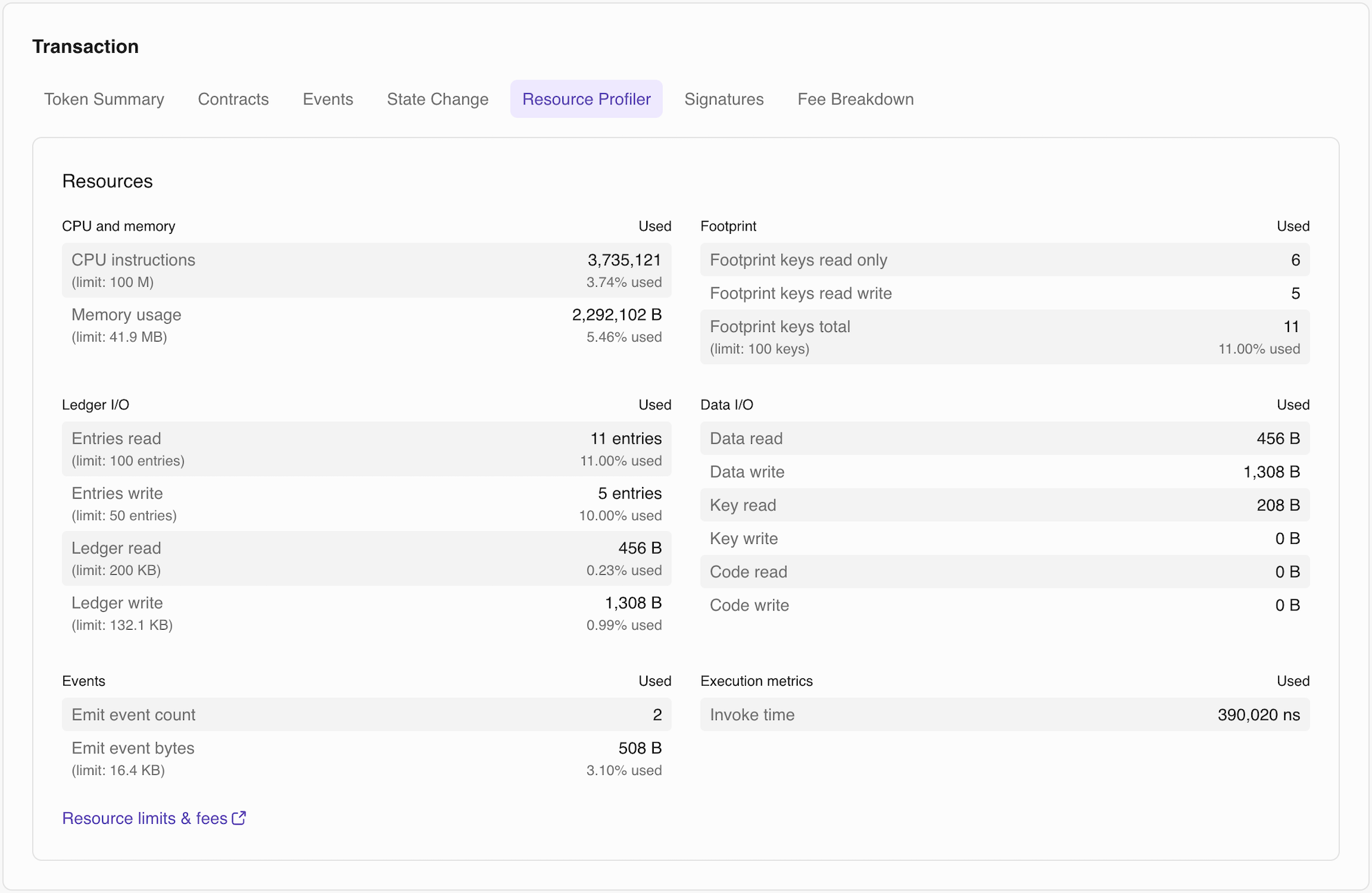
Signatures
The Signatures tab displays all signing and authorization information for the transaction, essential for understanding multi-signature setups and contract authorization.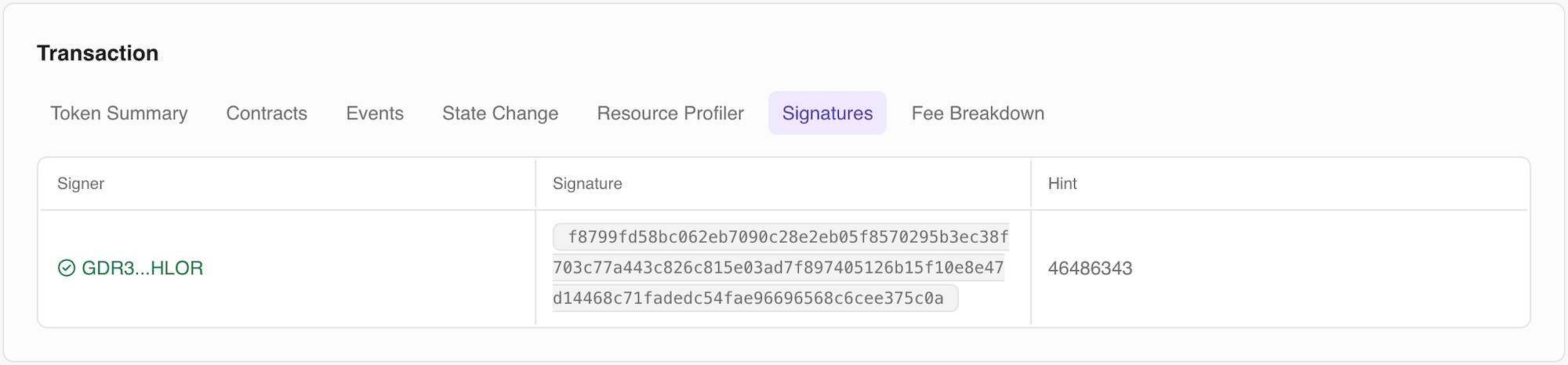
Fee Breakdown
The Fee Breakdown tab provides a detailed analysis of all costs associated with the transaction, showing exactly where XLM was spent.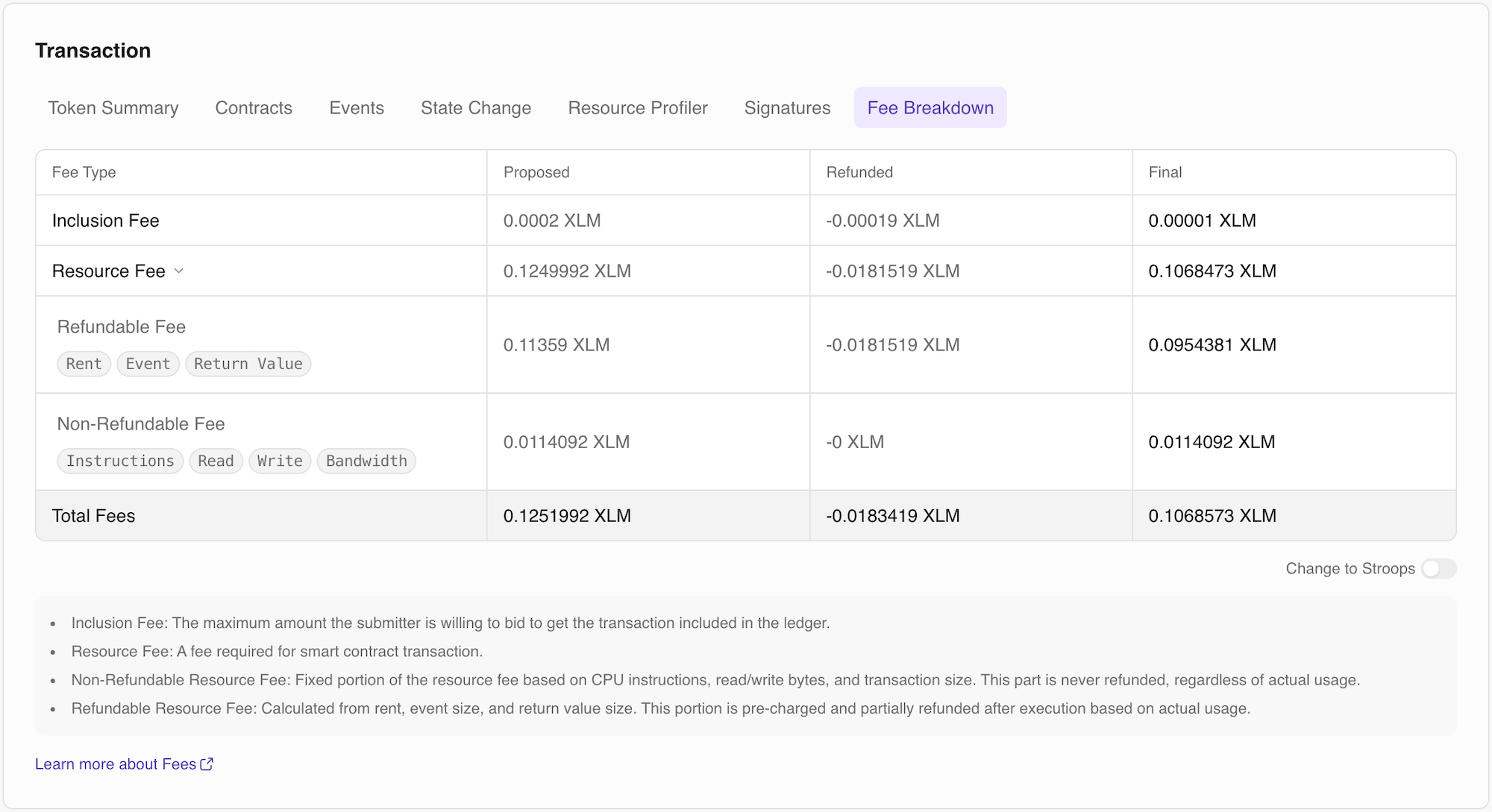
Dashboard Tabs for Classic
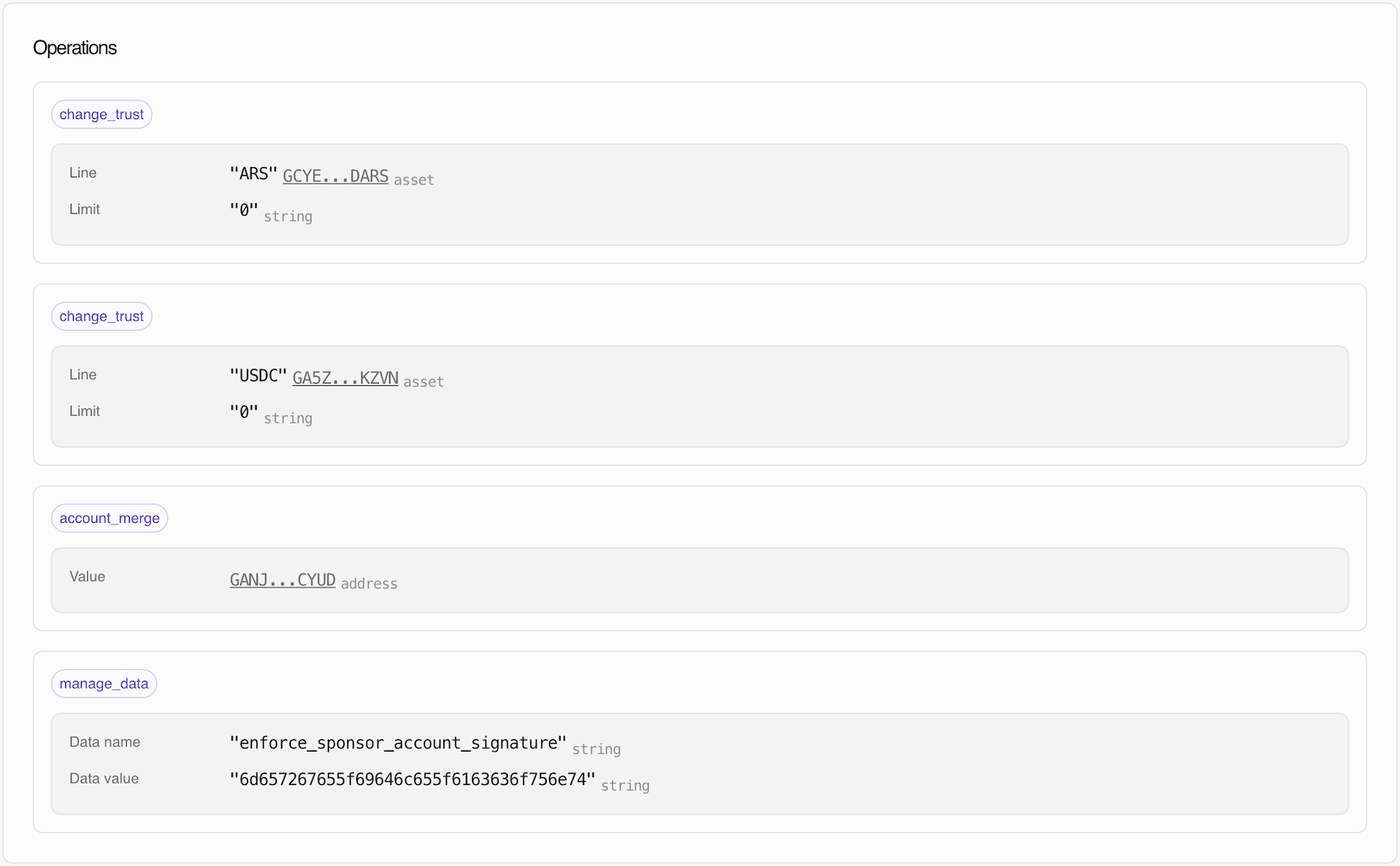
The Transaction Dashboard for classic transactions is straightforward and focused on operations. It displays all operations that occurred in the transaction, with support for up to 100 operations per page.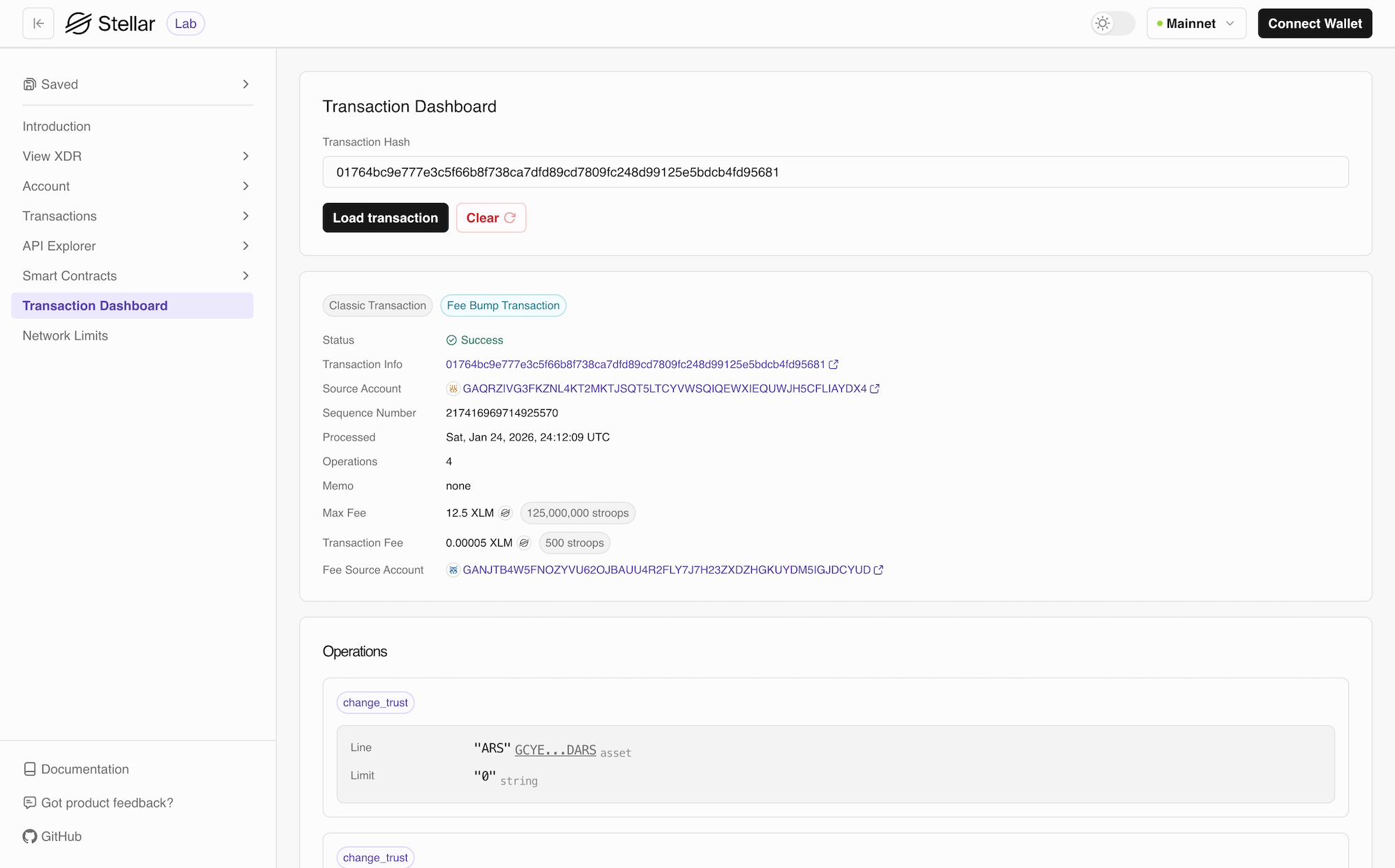
Operations
For more information on operations, check List of Operations.