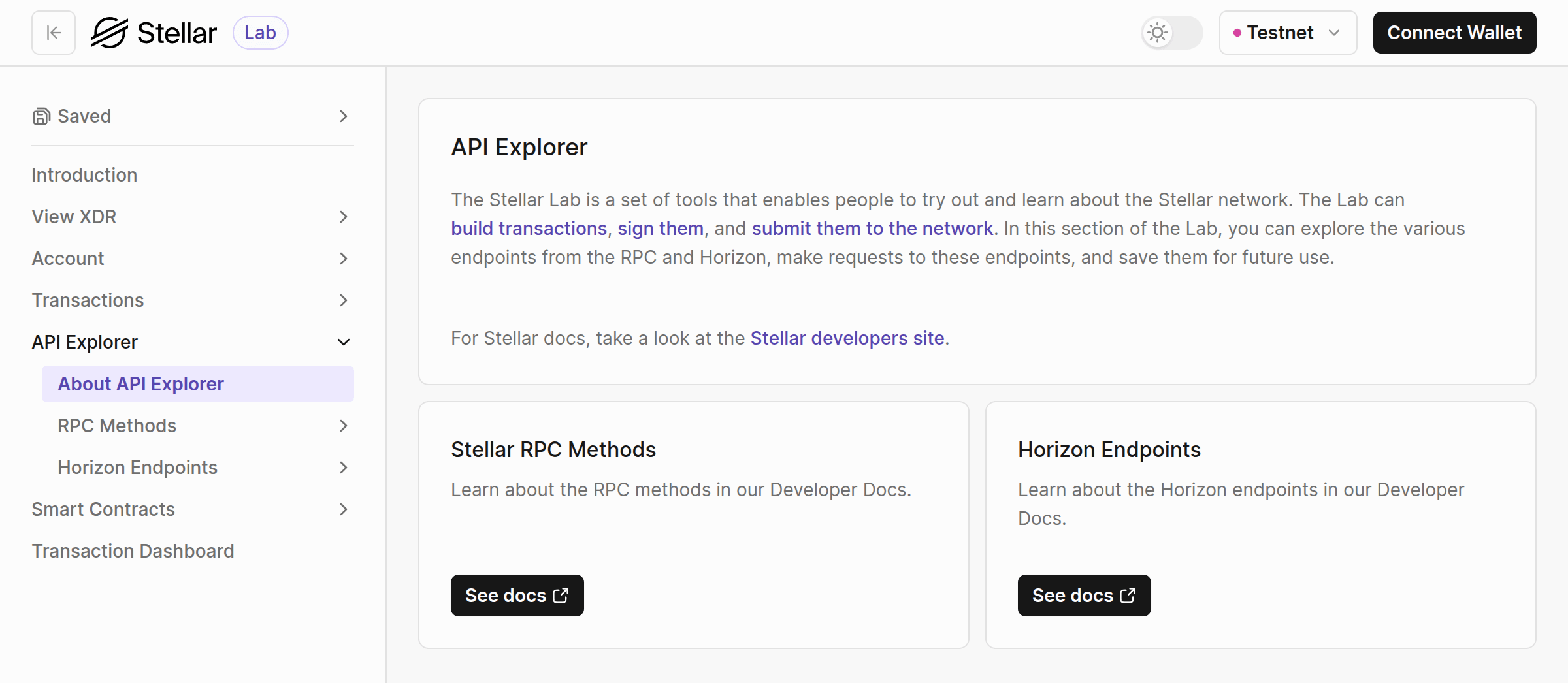
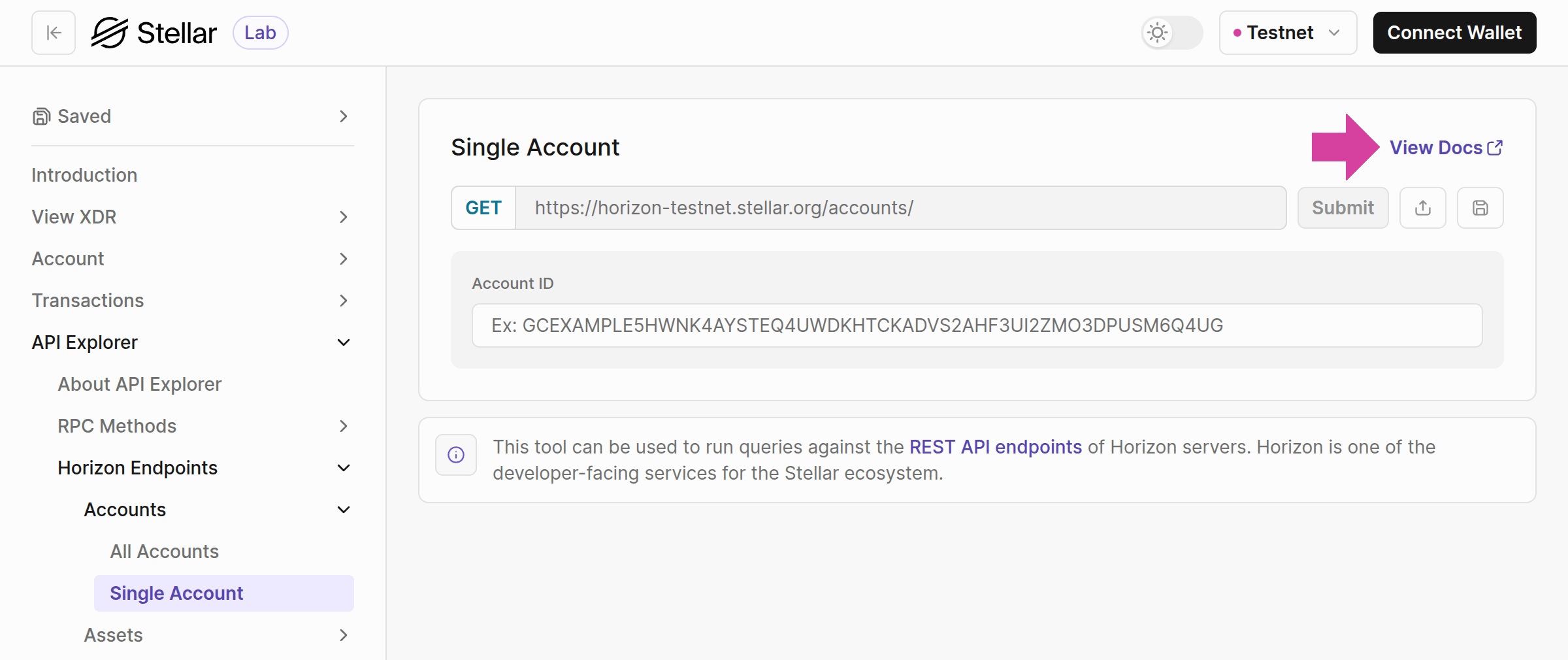
For detailed information about each endpoint on a page, click the View Docs link in the header to access its API Reference documentation.
Examples of Horizon Endpoints
Let’s explore a few examples of Horizon endpoints on Testnet and Mainnet. We also have a documentation on how to set up a local Stellar network environment if you are interested in using a local environment. This will demonstrate how to use the Lab to access these endpoints.- Single Account:
/accounts/:account-id - Payments for Account:
/accounts/:account-id/payments - All Assets:
/assets
Single Account
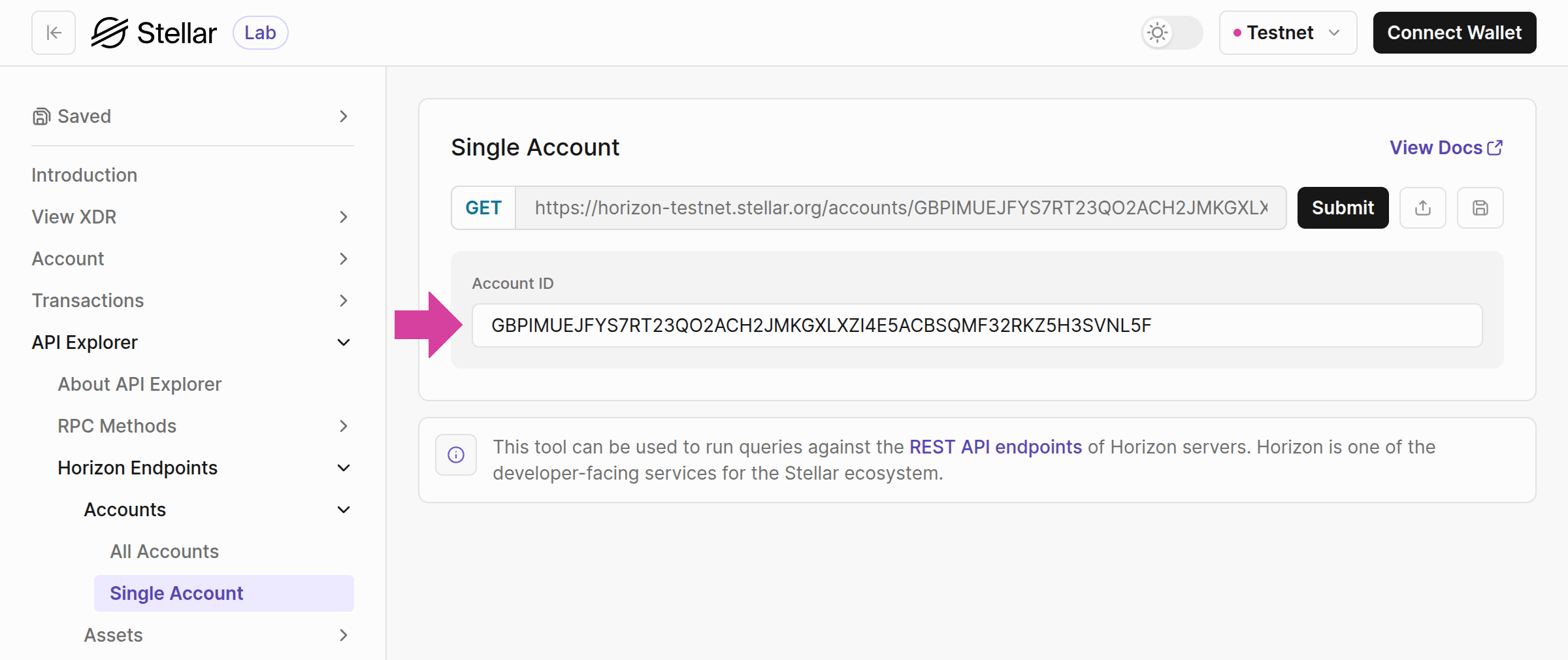
The single account endpoint/accounts/:account-id provides information on a specific account. This example uses an account GBPIMUEJFYS7RT23QO2ACH2JMKGXLXZI4E5ACBSQMF32RKZ5H3SVNL5F on Testnet.
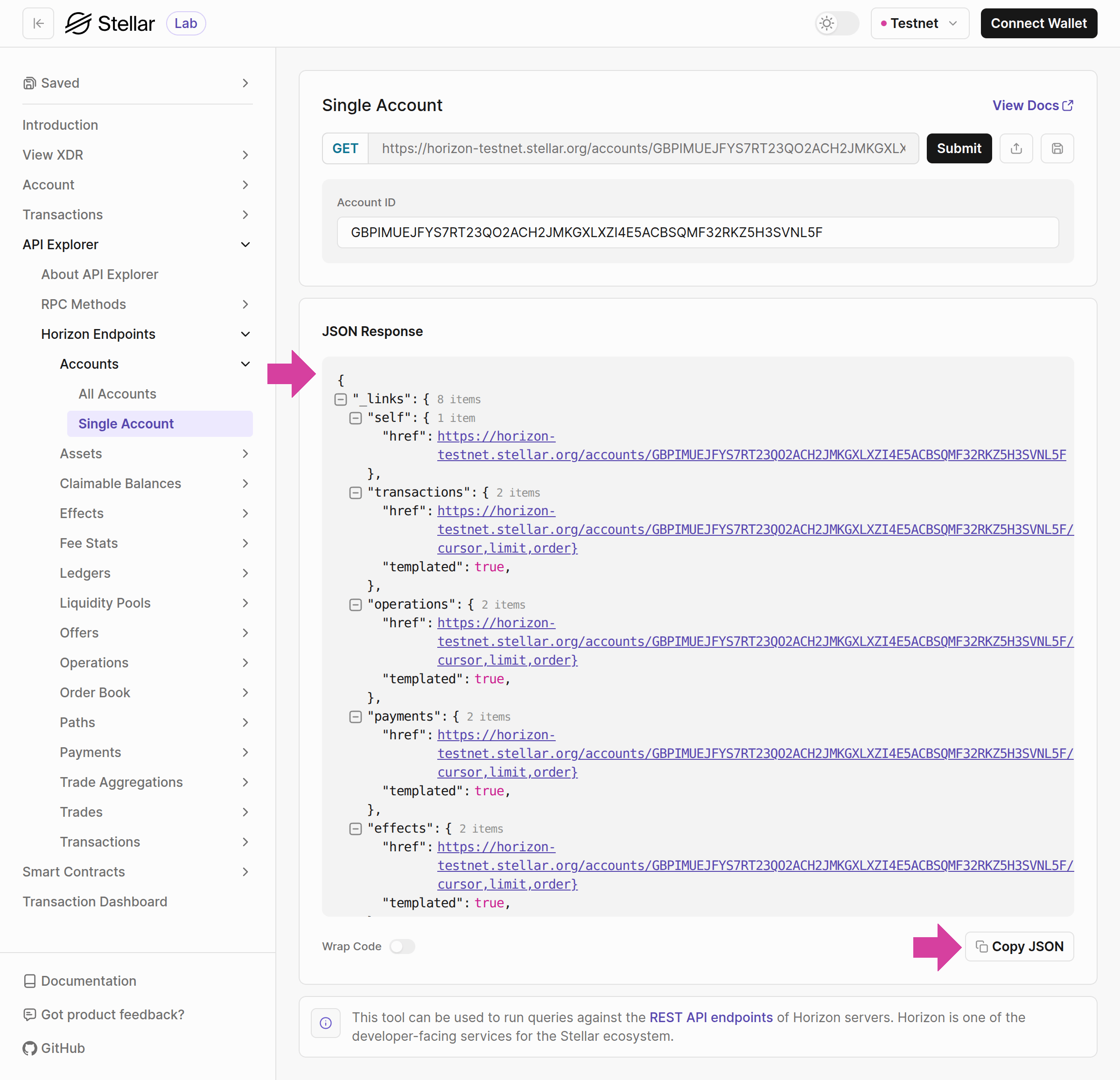
JSON format. Developers can use the Copy Json functionality to copy and paste the response. Along with the account details such as id, balances of the account including the assets that the account has set its trustline to, thresholds, flags, and signers (3 signers in the example account).
The endpoint also provides links to related resource pages on the Stellar Lab for the queried account. For example, the response includes transactions, operations, payments, and more under _links. Clicking a transaction’s href takes developers to the Transactions for Account page page on the Stellar Lab where developers can query transactions for that account right away.
Payments for Account
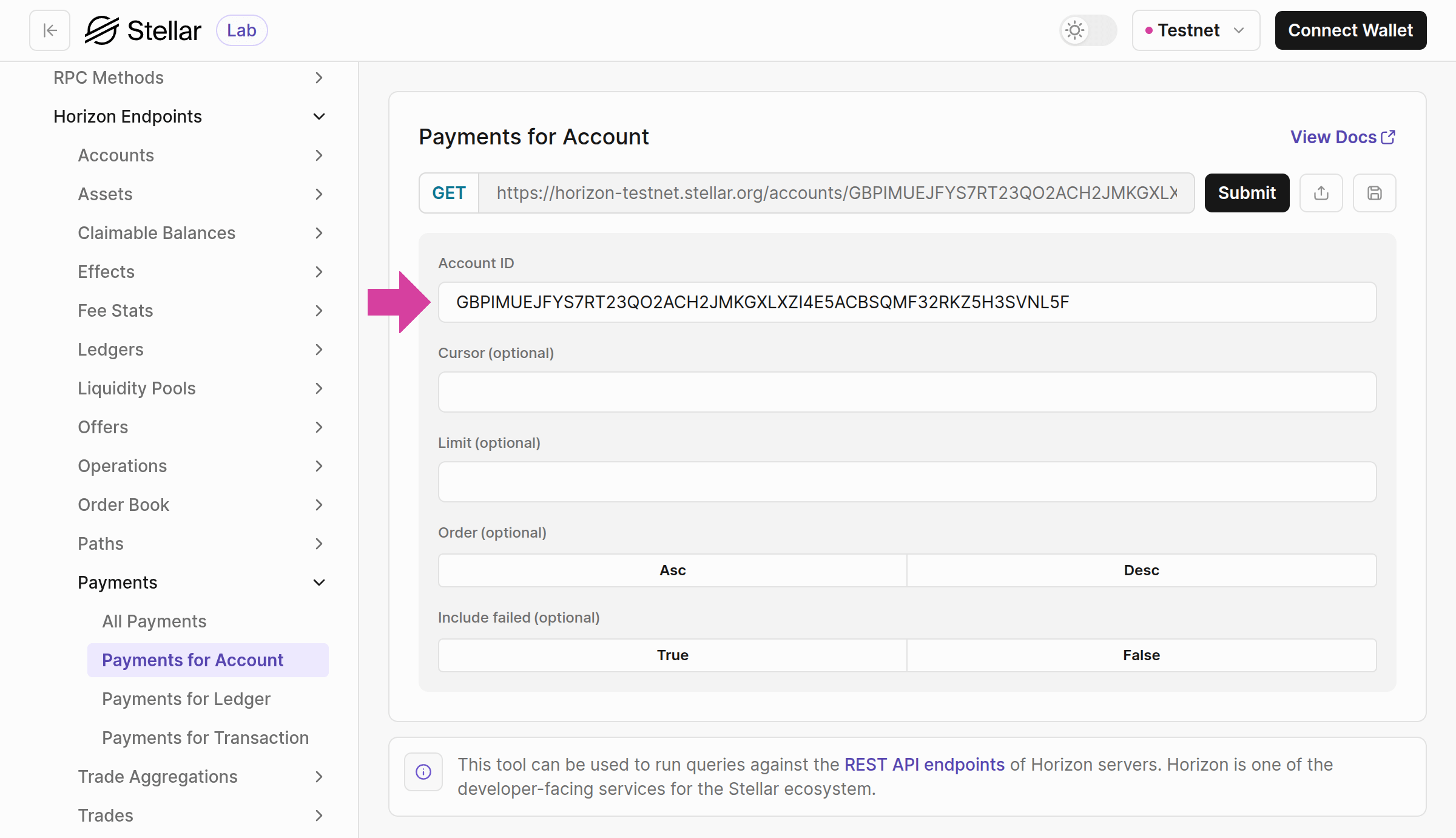
The Payments for Account endpoint/accounts/:account-id/payments provides successful payments for a given account and can be used in streaming mode. We’re going to use the same account that we used from the previous example: GBPIMUEJFYS7RT23QO2ACH2JMKGXLXZI4E5ACBSQMF32RKZ5H3SVNL5F.
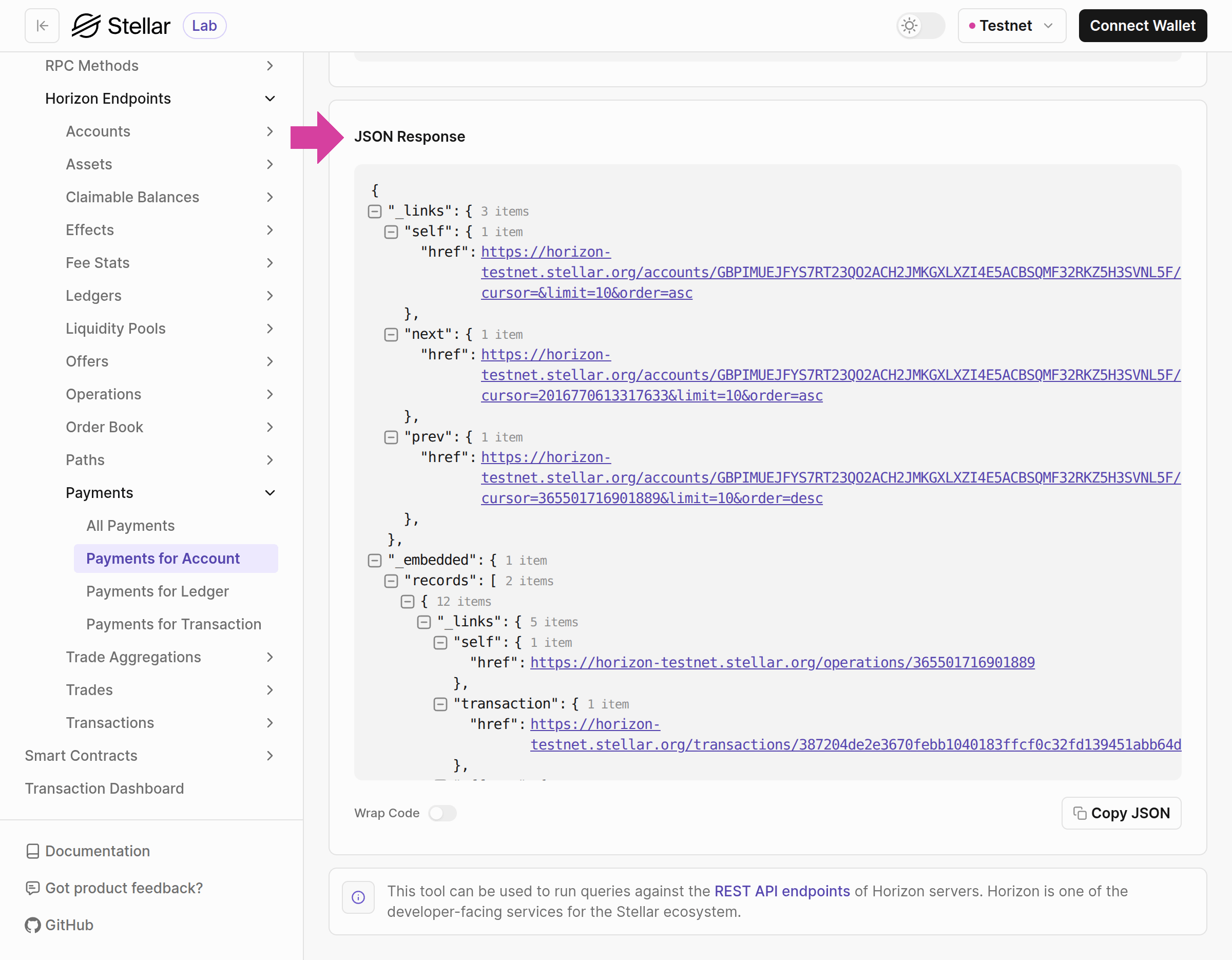
JSON format.
All Assets
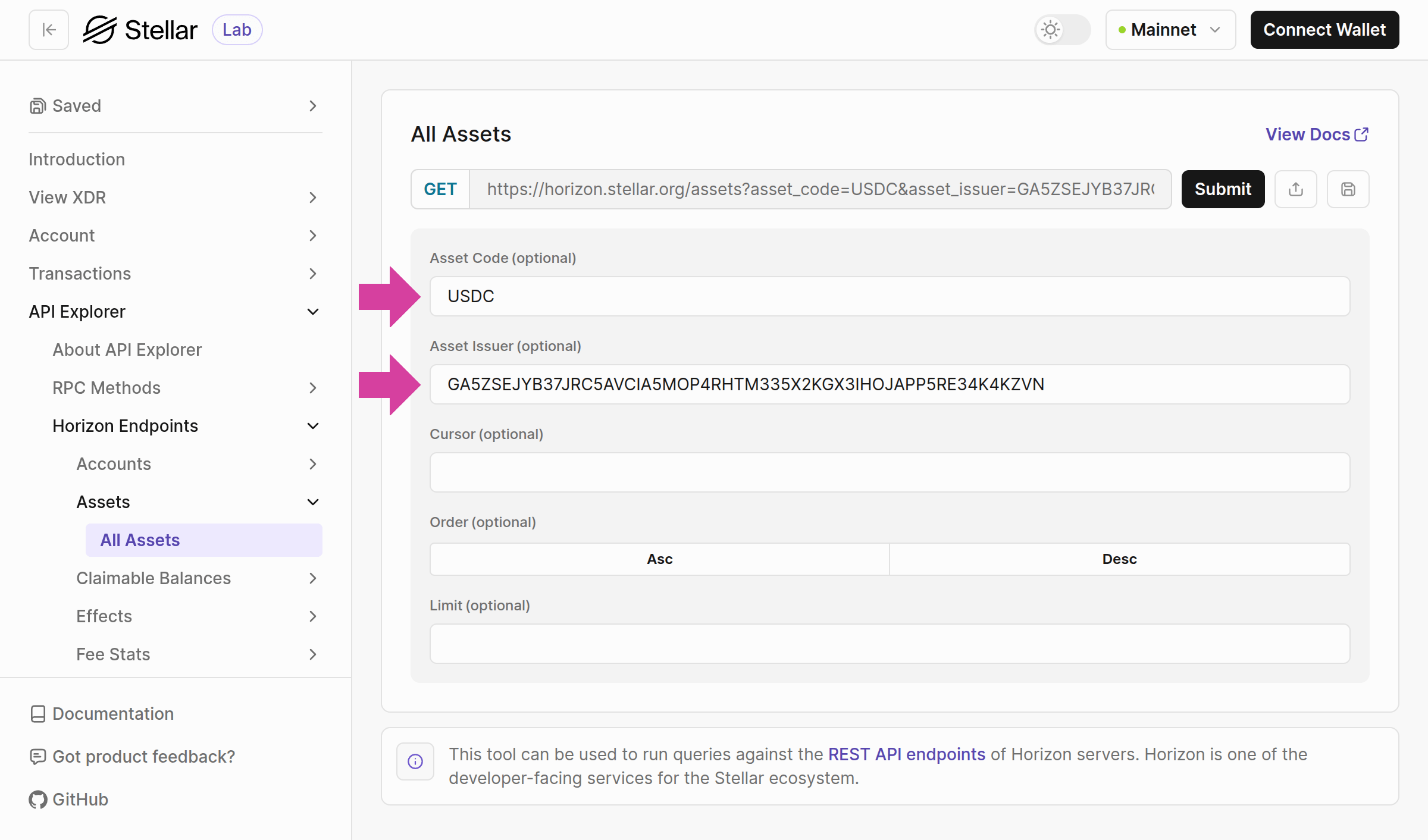
Horizon’s/assets endpoint provides information about an asset. Since we are not interested in historical data, we will use SDF’s Mainnet Horizon to retrieve the latest information about the asset.
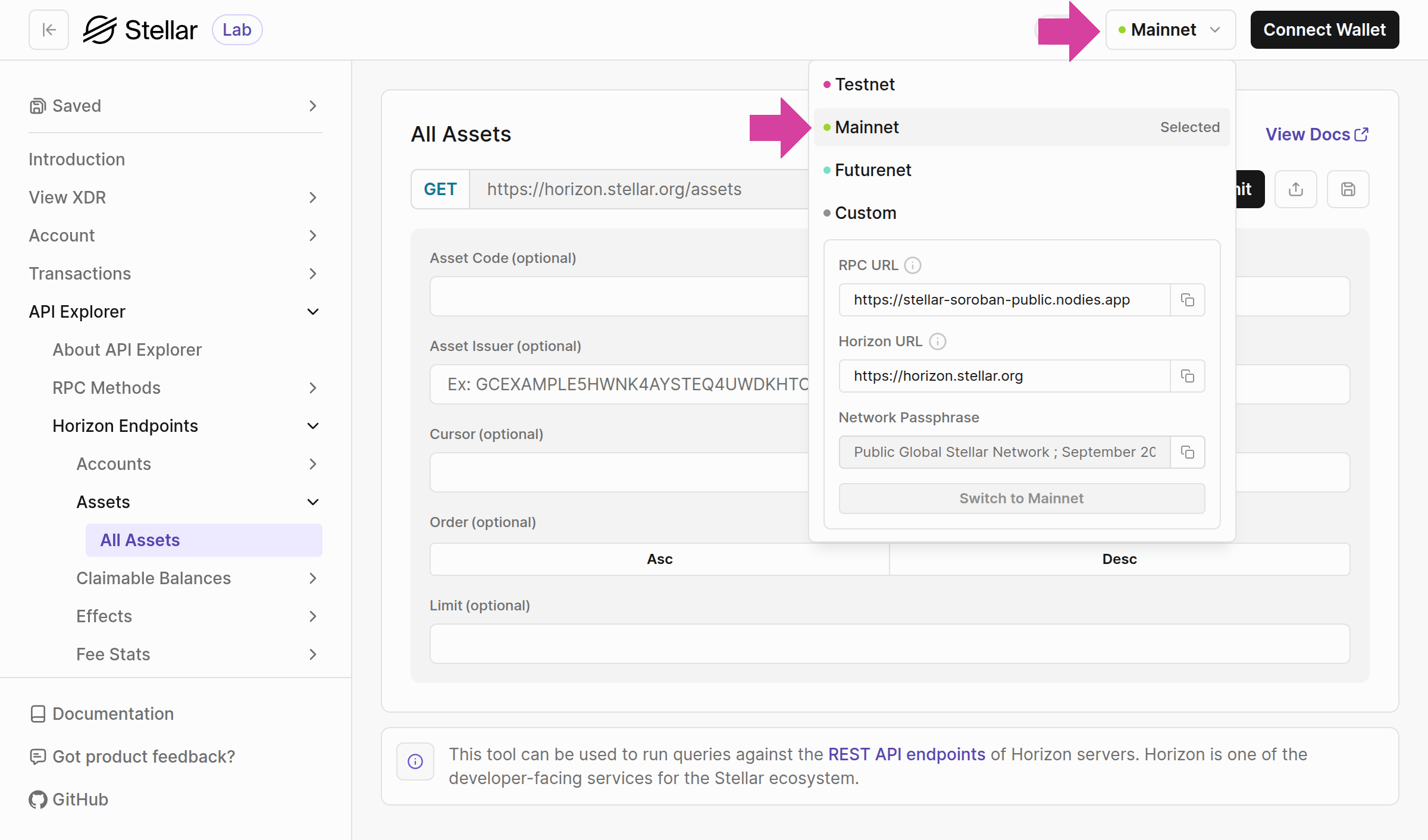
USDC as the Asset Code and GA5ZSEJYB37JRC5AVCIA5MOP4RHTM335X2KGX3IHOJAPP5RE34K4KZVN as the Asset Issuer.
/assets endpoint returns the USDC asset details in JSON format.
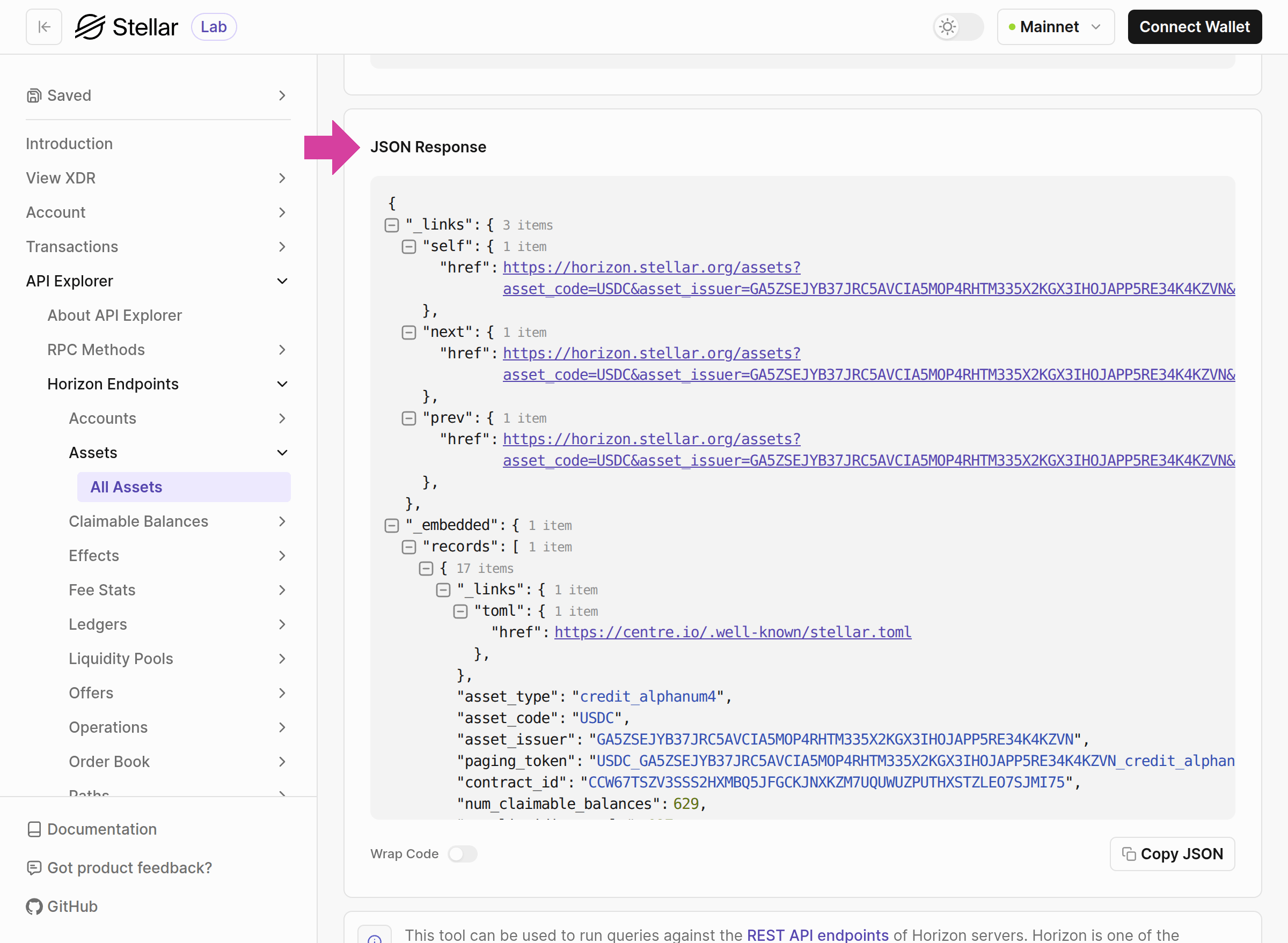
USDC asset includes the asset object, which contains details about USDC, such as the asset’s TOML file (also known as the Stellar info file), the number of claimable balances, liquidity pools, contracts, accounts, balances, and flags.
It shows that auth_revocable is set to true under flags, indicating that this account (in this case, the USDC issuer) can freeze the balance of a holder of an asset it has issued.
Share Feature
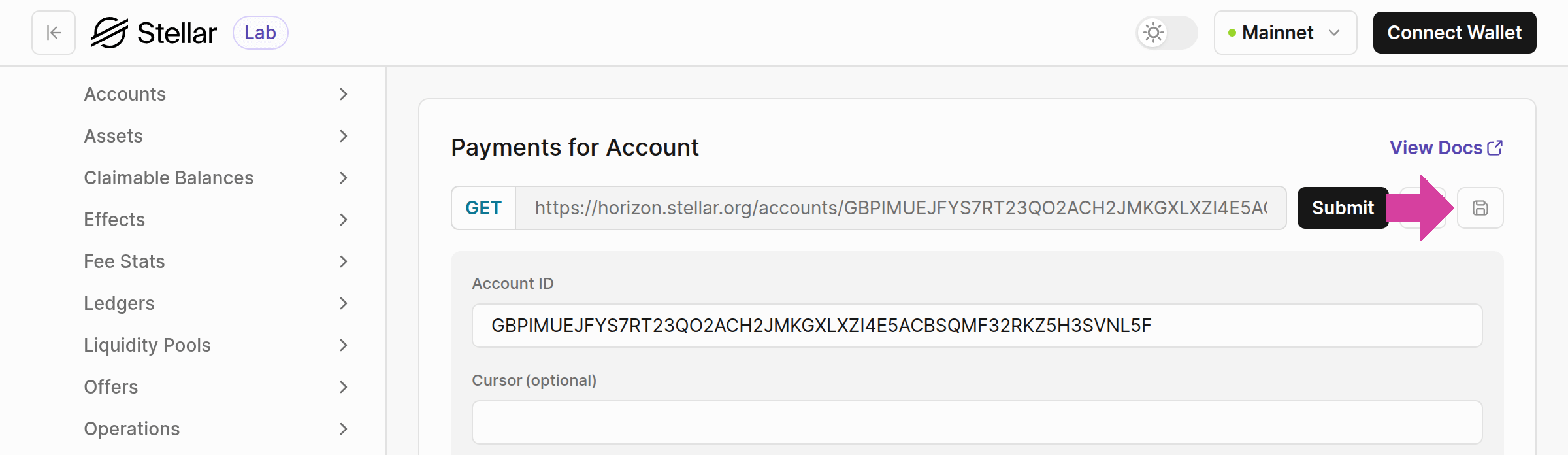
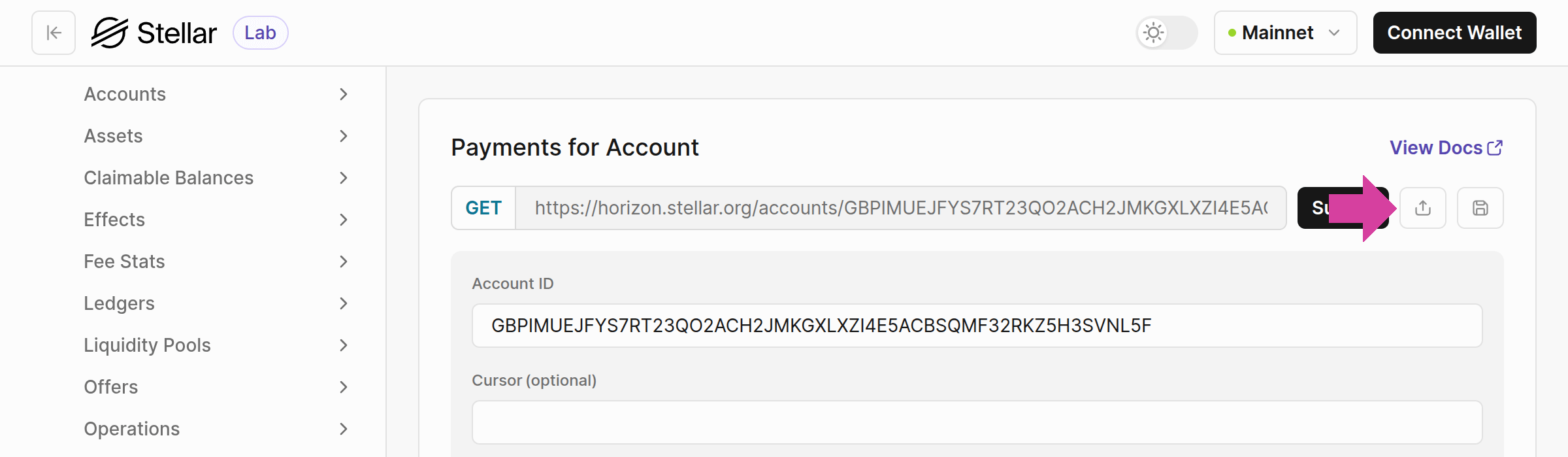
The Stellar Lab offers a share feature that allows you to copy a URL to its page, which redirects users to a form with the endpoint URL and parameter values pre-filled. This feature makes it easy to collaborate with others. For example, clicking the share icon on the Payments for Account page with the account IDGBPIMUEJFYS7RT23QO2ACH2JMKGXLXZI4E5ACBSQMF32RKZ5H3SVNL5F, copies a URL that includes the account ID parameter and network setting. An example of a copied URL is this link.
Saved Requests
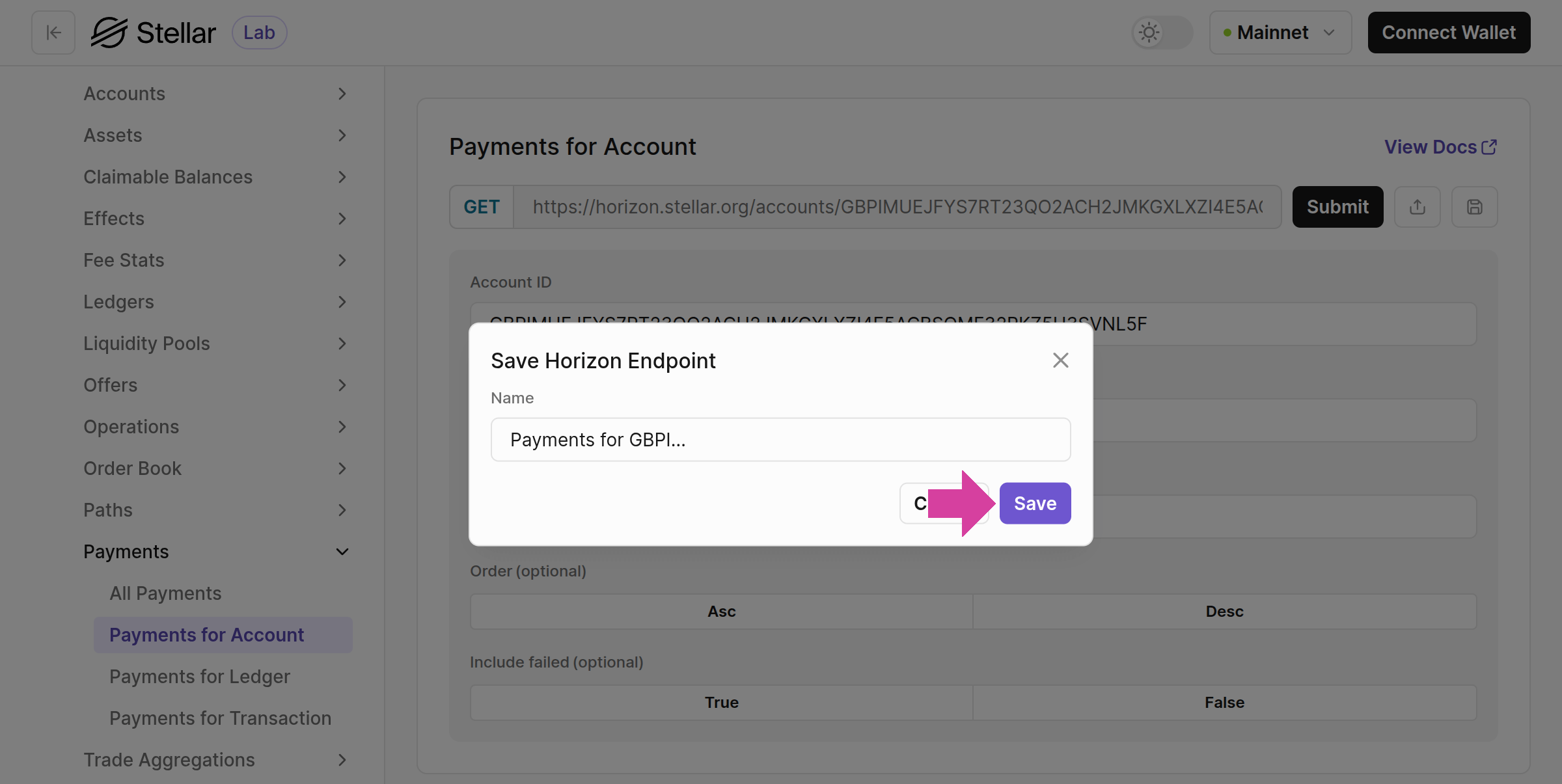
The icon next to the Share Feature icon allows you to save an endpoint with its parameters in your browser’s local storage. It displays the endpoint for the selected network, which can be changed using the menu in the upper-right corner.